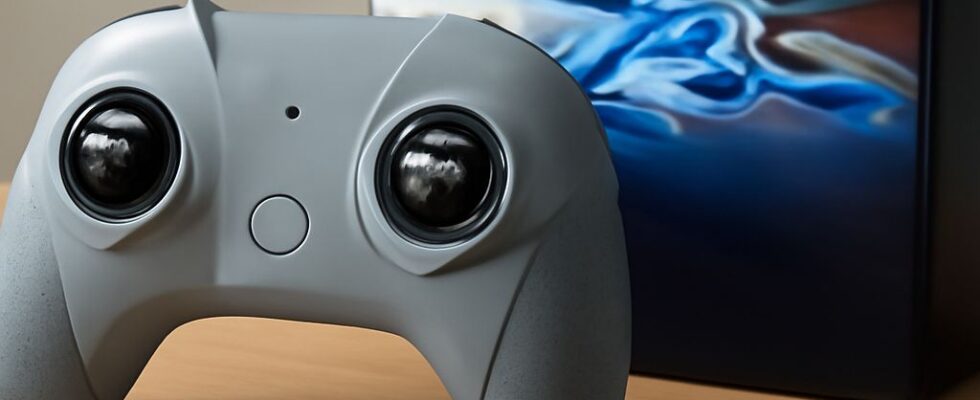
Get a feel for virtual drone racing before spending money on a full game or choosing a controller. A first-person drone simulator puts a camera-like view on your screen, letting you explore digital environments and try virtual courses. Start with a free FPV flight simulator, sample a limited demo, or pay for a broader game with a structured introduction.
Free FPV Simulator or Limited Demo?
“Free” can describe two quite different products. The FPV drone simulator SkyDive has a free-to-play base program with racing and freestyle activities; FPV Freerider offers a free demo with one environment and a separate paid version. Liftoff: FPV Drone Racing is a paid simulator. Check the exact version before comparing their content, and remember that optional add-ons can cost extra.
An FPV simulator models a view from a virtual aircraft. Racing emphasizes following a course, while freestyle gives you room to explore and experiment in a virtual setting. Handling varies between programs, so a comfortable interface and an enjoyable selection of environments matter more than a promise of perfect realism.
FPV SkyDive: A Free Place to Explore
FPV SkyDive is a free-to-play PC simulator with virtual racing and freestyle environments. This no-cost FPV flying simulator is the best starting point here if your budget is zero and you want more than a single-scene trial. You can try the base program before deciding whether its presentation and course selection hold your interest.
There is a distinction between the free base program and extra learning content. The Flight School add-on, released in 2023, requires the base game and has its own purchase terms. The publisher’s 2022 controller FAQ describes support for a range of controllers; check your model before assuming it will work.
Among free first-person flight simulators, SkyDive is appealing if you want a varied introduction without first buying a full program. Its virtual scenery and response are part of a simulation, not a guarantee that another program—or a physical aircraft—will feel identical.
FPV Freerider: Test a Smaller Sample
FPV Freerider has a free demo with one scenery. The paid edition of this virtual FPV flight simulator adds environments. The developer lists PC downloads and a range of controllers that have been used successfully, including some gamepads and radio-style controllers, but compatibility depends on the specific device and setup.
This free FPV simulator demo is useful when your immediate question is whether you like the basic presentation and whether your controller is recognized. It is a sample, not the complete paid product. A 2018 update also documents the Windows demo and track-related features of the program.
This FPV drone simulation’s simpler presentation may appeal if you want to explore a virtual landscape without sorting through a large menu. On the other hand, if you need a guided sequence to feel comfortable, check the available instructions before buying the full version. A modest interface can be refreshingly direct; it can also leave you wondering where the instructions went.
Liftoff: A Paid Game With a Tutorial
Liftoff: FPV Drone Racing is a paid first-person drone flight simulator for PC with virtual environments, racing, and an interactive tutorial. The developer described its updated tutorial in a 2023 announcement. That structure makes it worth considering if you prefer an introduction inside the game to finding your own way around.
Liftoff requires a compatible remote or controller, according to its store listing. Review the supported hardware and computer requirements before buying; a device that works in one virtual drone game is not automatically supported everywhere. The fuller presentation has an entry cost, so free FPV simulation programs are sensible first comparisons.
Match the Program to Your Setup
Choose SkyDive for a free-to-play drone simulator with room to explore, Freerider’s demo to assess a smaller sample, or Liftoff if a paid tutorial and racing game appeal to you. For your first FPV simulator, weigh the controller you already own, the program’s compatibility information, and how much guidance you want. A virtual course is more entertaining when setup has not already used up the evening.